Monday, October 20, 2014
You can increase your IDM speed using IDM optimizer

IDM optimizer
IDM Optimizer, it’s a small .net based utility which boosts your IDM speed by modifying some registry entries like it will change Connection Speed, Connection type, Max Connection Numbers and some other few entries. So this is what above kind of Window you will see when you will fire up the IDM Optimizer software. So it has a simple Maximize Now button which when clicked will popup a note to restart IDM so that it can take effect. Well you can see it also has a Restore Default button which will restore all the settings which IDM came with you can use that if you think that you are not getting good speeds.
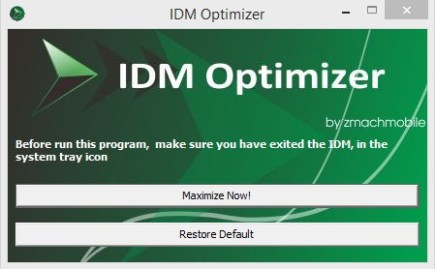
How IDM Optimizer Works ?
- Exit IDM icon from system tray (important)
- Run IDM Optimizer as admin
- Click on Maximize Now!
- That’s it now your IDM is boosted with speed


